

Deploy workflows
What are deployments #
Similar to API deployments, a deployment is the processing by Bump.sh servers of a workflow document containing Arazzo or Flower workflows. After processing, workflows contained by this document are made available by your MCP server.
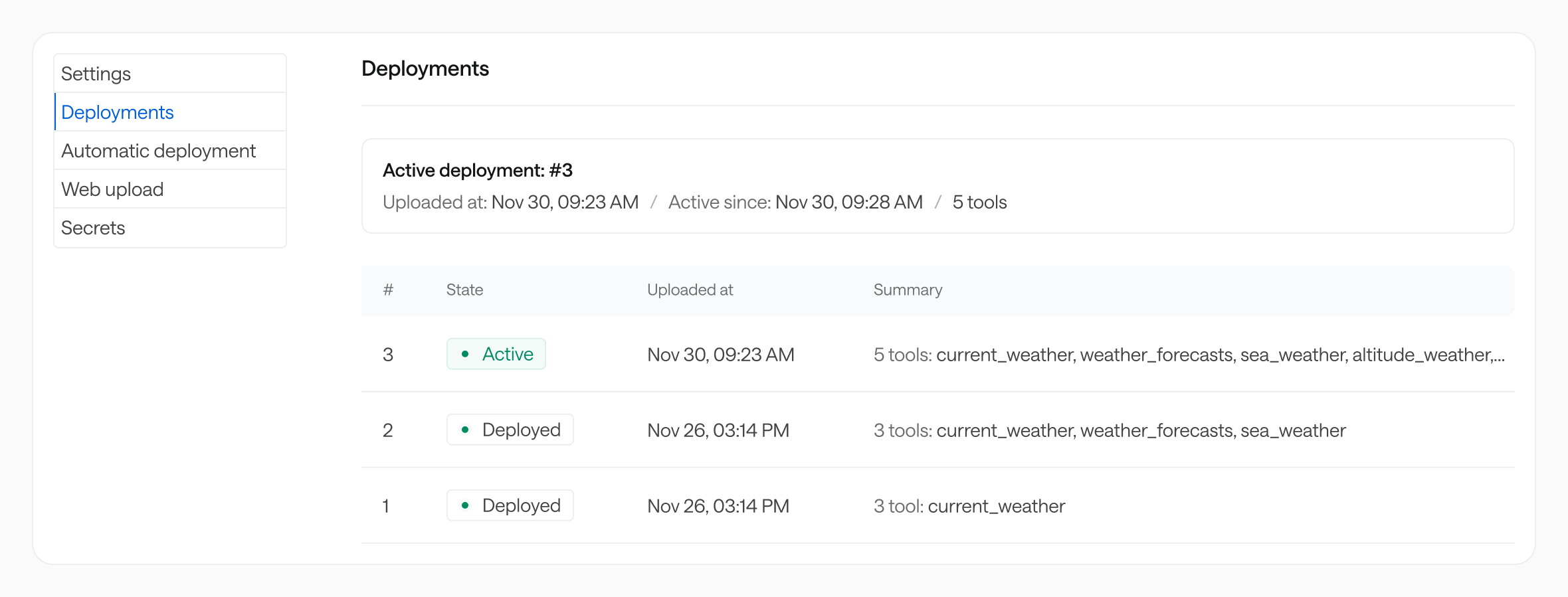
MCP servers always run workflows of the last deployment.
Deploy from the dashboard #
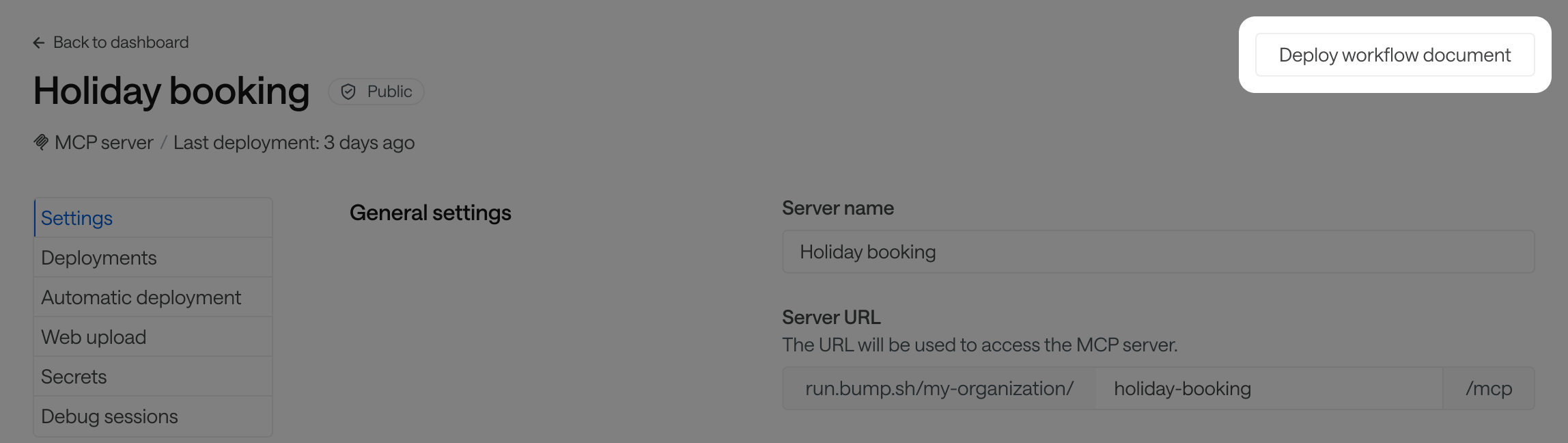
You can deploy workflow documents directly from your MCP server settings. To do so, click on the “Deploy new workflow document” button.
Deploy from the CLI #
You can deploy a workflow document with the CLI, using the deploy command and its --mcp-server flag:
bump deploy path/to/workflow.yml --mcp-server my-mcp-server-id-or-slug --token $BUMP_TOKEN
The complete process is available on the dedicated CLI page.
Deploy using the GitHub Action #
Our GitHub Action allows you to easily integrate Bump.sh into your projects.
Deployment states #
You can check the state of a deployment in the deployments page and verify which one is served by the MCP server.
| State | Description |
| Active | Exposed by the MCP server. |
| Deployed | Previous deploy, no longer exposed by the MCP server. |
| Deploying | Being processed by Bump.sh. |
| Errored | Encountered an error during deployment. |